

Extract PDF pages online in seconds
Pick the exact pages you need from any PDF and save them as a new PDF, either combined into one file or as separate ones. Your original PDF stays unchanged.
or
Supports PDF, DOC, DOCX
Files stay private
It does the task for the available features of this platform very efficiently. Editing and organizing of pdf files can be done easy and fast on this platform.

Konjengbam Mitindra SinghG2 review
When to use our PDF page extractor
Students and researchers
Extract specific pages from PDF textbook or manual and keep just the chapters you need for studying.
Accountants and bookkeepers
Take a single invoice or statement out of a huge file and turn it into its own PDF.
Admins and office managers
Pick the PDF pages for each document in a scanned batch and save them as individual PDFs.
Freelancers and contractors
Pull just the pages a teammate needs so they don't have to dig through a long PDF.
All PDF tools in one place
No installs, no app-switching — works on any device


More tools

Convert Word to PDF
Transform DOC/DOCX to PDF. Preserve formatting.

Convert PDF to JPG
Turn PDF pages into separate JPEG images. Ready to share or upload.

PDF to Excel
Turn PDF tables into editable spreadsheets ready to use in Excel or Google Sheets.

Convert PDF to PNG
Split PDF pages into separate PNGs. Full resolution preserved.

Convert Markdown to PDF
Paste or upload your .md file and get a formatted PDF in seconds. Tables and code blocks included.

PDF to CSV
Extract table data from PDFs into clean CSV files ready for spreadsheets and data analysis.

PDF to PowerPoint
Get editable PPT & PPTX slides. Keep fonts & layout.

Convert HEIC to PDF
Turn iPhone HEIC photos into a shareable PDF. Opens on any device.

Convert PowerPoint to PDF
Turn PPT & PPTX into a share-ready PDF. Opens on any device.

Bank Statement to Excel
Convert PDF bank statements to editable Excel or CSV files for accounting and analysis.

Convert EPUB to PDF
Turn an EPUB eBook into a print-ready PDF. Opens on any device.

Convert PDF to Markdown
Turn a PDF into clean MD text, ready for your notes, docs, or repo.

Convert PDF to Text
Get the text from your PDF as a .txt file. Copy it into emails, documents, or notes.

Add Text
Customize font, size & color. Move & resize easily.

Compare PDF
Spot every change between two PDFs. View side by side or overlay.

Add Image
Add logos, photos & graphics to PDFs. Adjust size and position.

Split File
Split PDF into multiple files. Choose any page to divide.

Rearrange Pages
Drag & drop to reorganize. Delete, duplicate, rotate pages.

Add Page Numbers
Number pages automatically. Choose position, format, margins.

Annotate
Mark up PDFs: draw, highlight, erase. Multiple colors & line widths.

Rotate Pages
Adjust PDF orientation easily. Choose single, multiple, or all pages.

Bates Numbering
Add Bates numbers automatically. Choose prefix, suffix, and numbering style.

Make PDF Fillable
Add text fields, checkboxes & signatures. Works on flat and scanned forms.

Add Watermark to PDF
Mark PDF pages with your text or an image

Unlock PDF
Remove passwords and restrictions with just a few clicks.

Protect PDF
Secure PDF from unauthorized use with a password.

Redact PDF
Black out sensitive text or whole pages before you share a PDF.

Sign Document
Type, draw, or upload signature. Legally binding.

Request Signature
Send PDFs to anyone for signing. Mark where to sign, invite by email. Get signed document back.

Remove Signature Background
Make your signature transparent to sign PDFs without a white box.

Signature Generator
Type, draw, or upload your signature. Save and reuse it across documents.

Chat with PDF
Ask AI any questions about your PDF.

PDF Summarizer
Summarize PDFs into key points with AI.

Generate PDF
Describe a doc you need and get a formatted PDF.

AI Form Filler
Upload a form & a doc you have. AI fills in the fields.

Share PDF
Upload and share PDF via secure link or email in seconds. Control who can view or edit.
How to extract pages from a PDF
 1
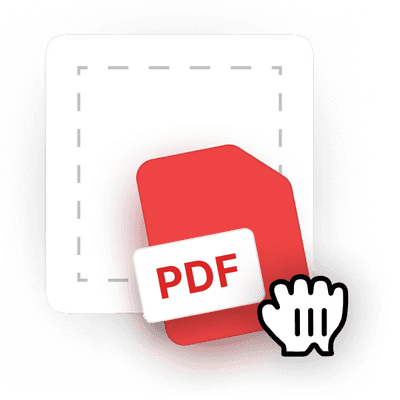
1Upload the file to the PDF page extractor
 2
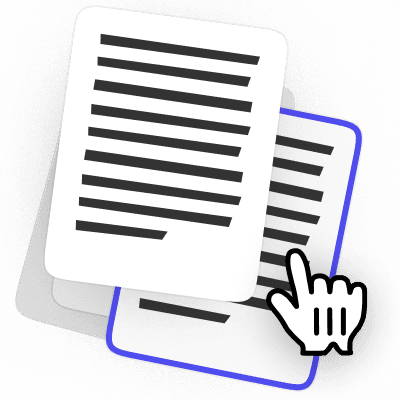
2Choose the page range or individual pages
 3
3Download selected pages from the PDF
Ready when you are.
Why people prefer pdf.net
Pull out only the pages you need
Extract specific pages from PDF files and share only the key sections without sending the entire document.
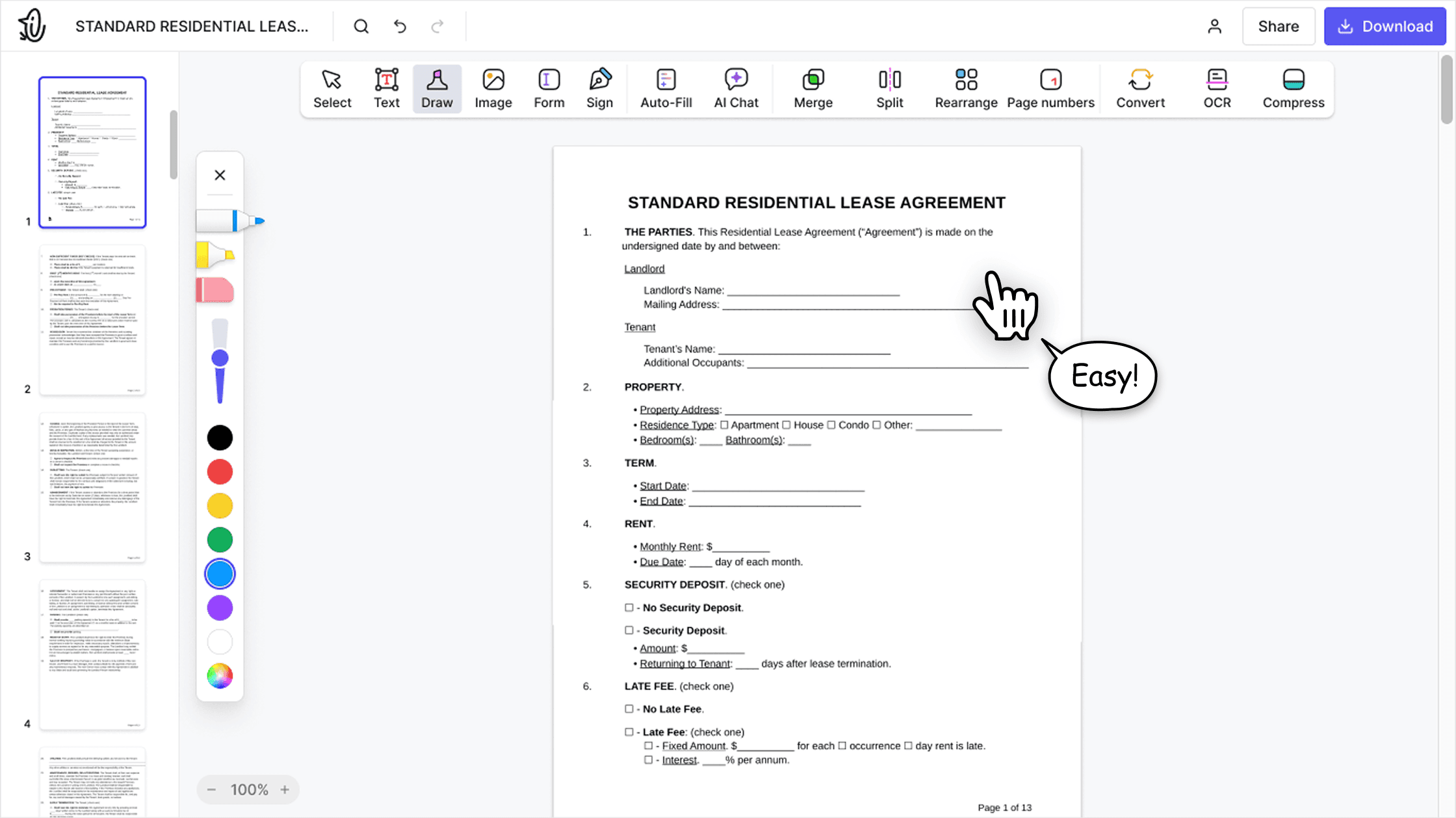

Create a new file with selected pages
Pick the PDF pages and export them as a new document for easier organization, storage, or reuse.

Access important sections faster
Save the pages you need as one or multiple files and work only with relevant content instead of navigating long files.
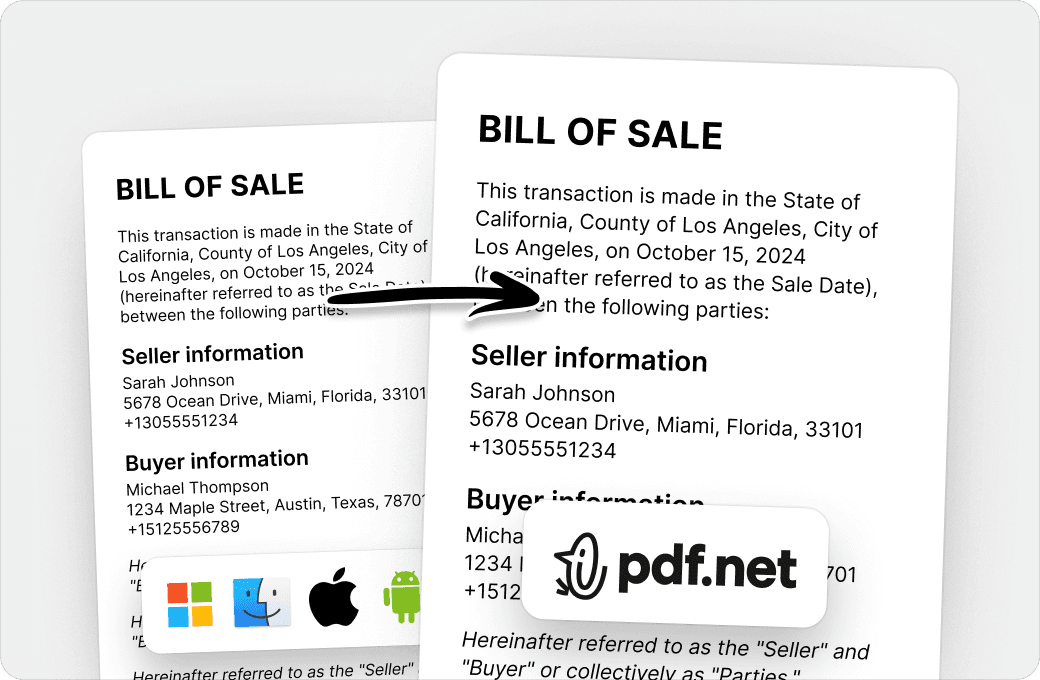
Remove extras and clean up documents
Delete unwanted sections and keep only what you need by extracting pages from a PDF online.
People all over the world trust pdf.net to edit their docs
The interface is clean, user-friendly, and makes it incredibly easy to add text, signatures, checkboxes, and other information without any hassle.


Mark PepitoTrustpilot review
The interface is clean, user-friendly, and makes it incredibly easy to add text, signatures, checkboxes, and other information without any hassle.
Mark PepitoTrustpilot review
I had a document that I had to send to someone that I couldn't convert and I was able to thanks to pdf.net, I got my certificate. I'll be using them in the future if I need it!

Jamie Sasser-DroneTrustpilot review
No trouble adding text to existing fields. Finished document looked very professional!

Easy to use, was able to make the necessary corrections on my document and immediately download it without any technical difficulties!

Gregory CrawfordTrustpilot review
Frequently asked questions
- Can I extract specific pages from a PDF?
- Yes, you can extract specific pages from a PDF by using our PDF page extractor. Simply upload your file, choose the pages you want to keep, and download them as a new file or multiple files, one per page.
- What file formats are supported?
- pdf.net lets you extract pages from PDF files online and save them as a new PDF. You can also upload Word documents (DOC and DOCX), and your file opens in the editor.
- Will extracting pages affect the original PDF?
- No, extracting specific pages from a PDF will not affect your original file. Our online tool extracts PDF pages as a new file, so your original PDF stays exactly the same. You can always return to the full document whenever needed.
- Can I extract multiple pages at once?
- Yes, you can extract multiple pages at once using our PDF extraction tool. Use hotkeys to select pages one by one or select a range. This is handy when you need to grab several pages at once instead of repeating the process page by page.
- Does your tool work on mobile devices?
- Yes, our tool works on mobile devices, such as smartphones and tablets. It is fully browser-based, so you can extract pages from PDFs online, as long as you have a reliable Internet connection. This is especially useful when you are traveling and need to quickly pull out specific sections from a document.
- Can I extract pages without losing quality?
- Yes, you can extract pages from PDFs without losing quality with our tool. It preserves the original formatting, resolution, and layout, so your extracted pages look exactly the same as in the source file. This is important when sharing professional documents, printing, or keeping visuals and text sharp.
- Is it safe to upload my PDF?
- Yes, it is safe to upload your PDF to our platform. All data transfers on pdf.net are protected with HTTPS/TLS encryption, while files are secured with AES-256. We run on Google Cloud infrastructure with strict access controls, so only authorized personnel can access systems when required.
- Is this tool free?
- No, extracting pages is part of the pdf.net subscription. You can open your PDF and select the pages you want to pull out. The new file is created at the download step, which needs an account with a subscription.