

Convert PDFs to PowerPoint online
I can handle contracts, invoices, and client documents without paying for expensive software or hiring someone to do it. The browser-based setup means I can work from the office, home, or even my phone when I'm meeting with clients. Processing is quick enough that I'm not wasting time, and the tools I use regularly (merging proposals, compressing files, converting documents) work consistently.

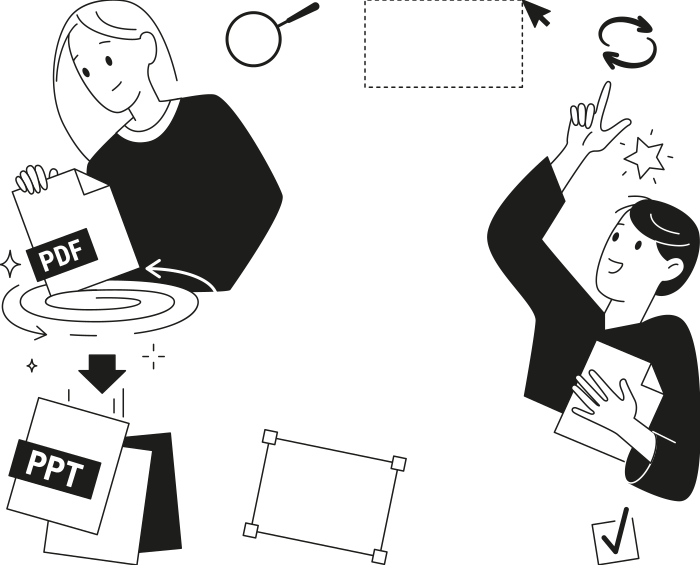
When to use our PDF to PowerPoint converter
Prepping a report for a meeting
Updating a deck someone sent as a PDF
Reusing old material in a new deck
Turning class or study material into slides
All PDF tools in one place


More tools

Convert PNG to PDF

Convert PDF to JPG

PDF to Excel

Convert Markdown to PDF

Convert Excel to PDF

PDF to CSV

Convert HEIC to PDF

Bank Statement to Excel

Convert EPUB to PDF

Convert PDF to Markdown

Convert PDF to Text

Add Text

Change Text

Compress

Compare PDF

Add Image

Split File

Rearrange Pages

Add Page Numbers

Annotate

Rotate Pages

Bates Numbering

Extract Pages

Make PDF Fillable

Unlock PDF

Protect PDF

Redact PDF

Request Signature

Remove Signature Background

Signature Generator

Chat with PDF

PDF Summarizer

Generate PDF

AI Form Filler

Share PDF
How to convert PDF to PPT
 1
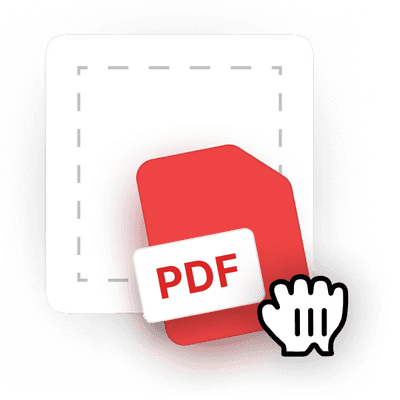
1Upload your PDF file
 2
2Convert it to PPTX
 3
3Download your editable PowerPoint
Why people prefer pdf.net
Simple and easy for daily use
Our online PDF editor features a clean, intuitive, and user-friendly interface designed for amateurs and professionals alike. You can navigate it with ease and edit your PDF file, even if you’ve never done it before.

All‑in‑one PDF editor
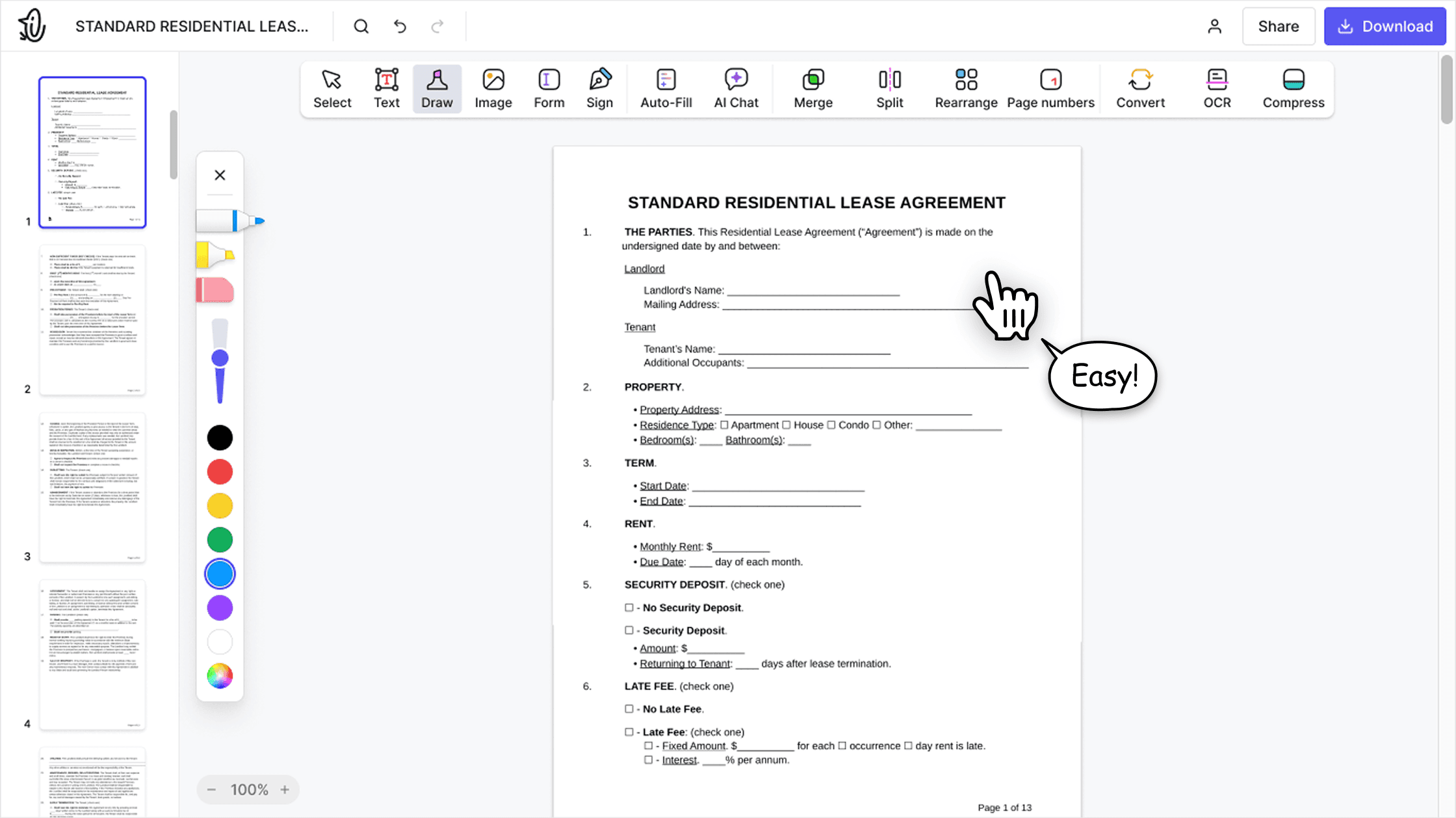
Our editor offers a robust and comprehensive set of features that allow you to customize your documents, merge them, sign them, and much more. No need to transfer your files between several applications anymore.

Keeping formatting without issues
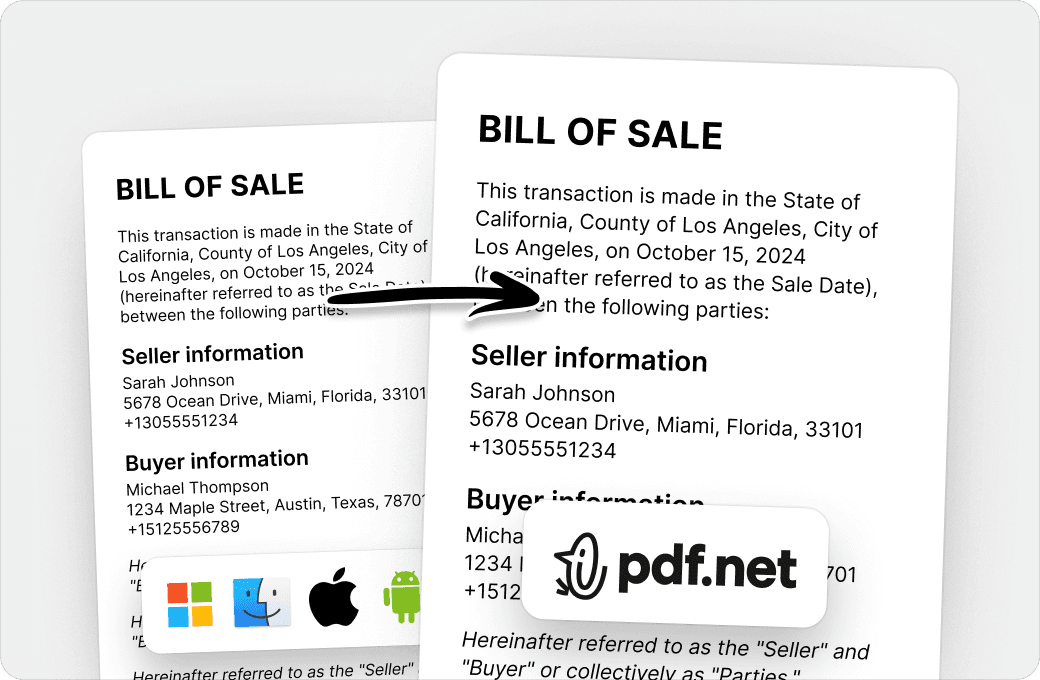
No more messy documents and inconsistent formatting across multiple systems or devices. Our online PDF editor is cross-platform compatible and maintains uniformity whether you’re using a PC, MacOS, smartphone, or tablet.
People all over the world trust pdf.net to edit their docs
It does the task for the available features of this platform very efficiently. Editing and organizing of pdf files can be done easy and fast on this platform.


It does the task for the available features of this platform very efficiently. Editing and organizing of pdf files can be done easy and fast on this platform.
The interface is clean, user-friendly, and makes it incredibly easy to add text, signatures, checkboxes, and other information without any hassle.

I didnt read the instructions but was able to accomplish the tasks of merging 22 documents into 2 PDFs in about 30 minutes including rearranging pages and page rotation.

Love it. Uploaded a PreQualification letter and allowed me to add fields, sign and share. Learning curve was easy, but I am familiar with these type products. Great job.

Frequently asked questions
- How do I convert a PDF file to PowerPoint?
- To convert a PDF to PowerPoint, upload your file to pdf.net, wait for the conversion to finish, and download the converted file. The whole process takes a few seconds.
- What file formats are supported?
- pdf.net supports PDF to PowerPoint conversion while keeping the fonts and layout intact. Plus, you can upload JPG and PNG images, and your files open in the editor immediately.
- Can I convert a scanned PDF to PowerPoint?
- Yes, you can convert a scanned PDF to PowerPoint using OCR technology, which recognizes text and images from scanned pages and turns them into editable slides while preserving the original layout as closely as possible.
- Will the formatting stay the same?
- Yes, most formatting, such as images, text alignment, and page structure, is preserved with our PDF to PPT converter. However, complex layouts may require minor adjustments after converting the PDF to a PowerPoint file.
- Is it possible to convert a password-protected PDF to PowerPoint?
- No, it isn’t possible to convert a password-protected PDF to PowerPoint. You need to unlock it first. Once the file is accessible, you can upload it to our tool, convert it, and save the PDF as a PowerPoint.
- Do I need Microsoft PowerPoint installed?
- No, you don’t need to install Microsoft PowerPoint to convert PDF to PPTX or PPT. Our tool is fully browser-based. However, you will need PowerPoint or a compatible program to view or edit the final file.
- Is it safe to upload PDF files?
- Yes, it is safe to upload PDF files to pdf.net. Our PDF to PPT/PPTX converter uses HTTPS connections and automatically deletes uploaded PDF files after conversion to protect user privacy.
- Can I use the file in Google Slides?
- Yes, you can use the output file from our PDF to PowerPoint converter. Download it, then import it to Google Slides.
- Can I convert a PDF to PowerPoint on my phone?
- Yes, you can. Simply upload your PDF from any mobile browser and download the editable presentation in just a few clicks.
- Can I convert multi-page PDFs?
- Yes, you can convert multiple-page PDFs into PowerPoint presentations. Each PDF page is converted into a separate slide, making it easy to preserve the document's structure and quickly create presentations from reports, manuals, study materials, and other long documents.
- How do I edit the converted slides?
- To edit the converted slides, open the PPT or PPTX file in Microsoft PowerPoint or another compatible presentation editor. You can then update text, replace images, adjust layouts, and customize the design just like any other PowerPoint presentation.
- Can I use pdf.net on a Mac, Linux, or phone?
- Yes, you can use pdf.net to convert PDF to PPT or PPTX on Mac, Linux, Windows, smartphones, or tablets. Since the converter runs entirely in your web browser, there is no software to install, making it convenient to convert PDFs to PowerPoint on any device.