

Convert PowerPoint to PDF that looks right on any screen
The fact that it is online and can be accessed via any device is a real plus. Also it has all the tools I need to manage pdfs

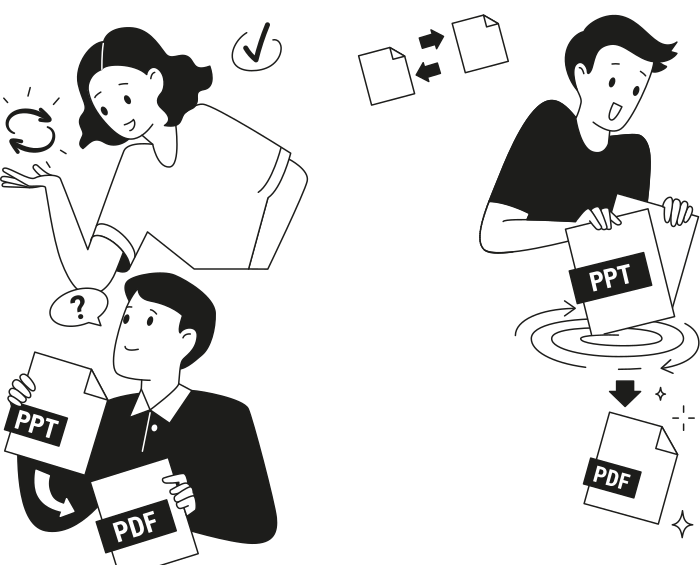
When to use our PowerPoint to PDF converter
Prepare and polish business documents
Share presentations across devices
Ensure consistent printing results
Store presentations for long-term access
All PDF tools in one place


More tools

Convert JPG to PDF

Convert PNG to PDF

Convert PDF to JPG

Convert PDF to PNG

Convert Markdown to PDF

PDF to CSV

PDF to PowerPoint

Convert HEIC to PDF

Bank Statement to Excel

Convert EPUB to PDF

Convert PDF to Markdown

Convert PDF to Text

Merge Files

Change Text

Compress

Split File

Rearrange Pages

Add Page Numbers

Annotate

Rotate Pages

Bates Numbering

Extract Pages

Make PDF Fillable

Add Watermark to PDF

Unlock PDF

Protect PDF

Redact PDF

Sign Document

Request Signature

Remove Signature Background

Signature Generator

Chat with PDF

PDF Summarizer

Generate PDF

AI Form Filler

Share PDF
How to convert PowerPoint to PDF
 1
1Upload your PPTX, PPT, or PPSX file
 2
2Let the PowerPoint to PDF conversion finish
 3
3Download your PDF
Why people prefer pdf.net
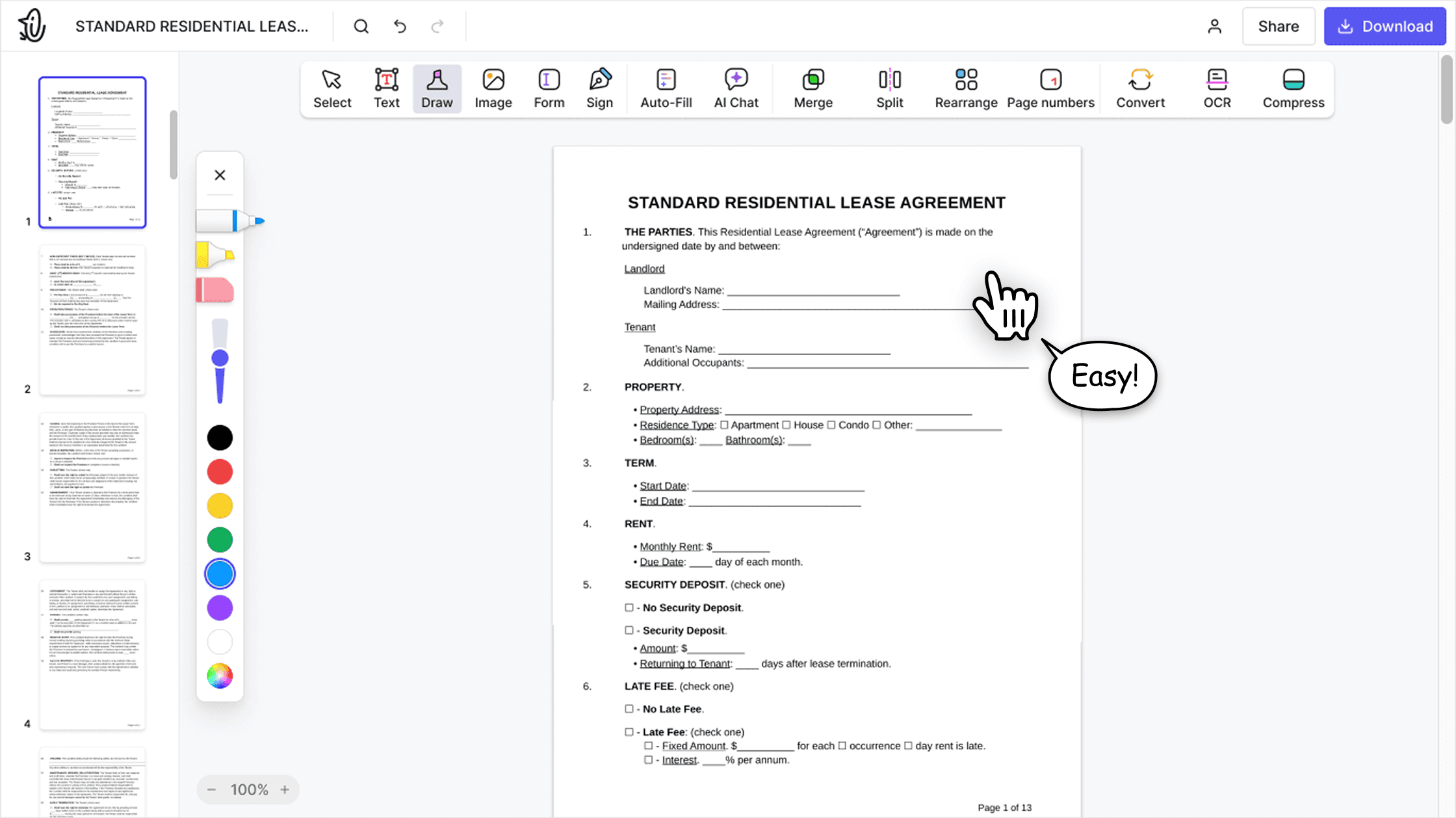
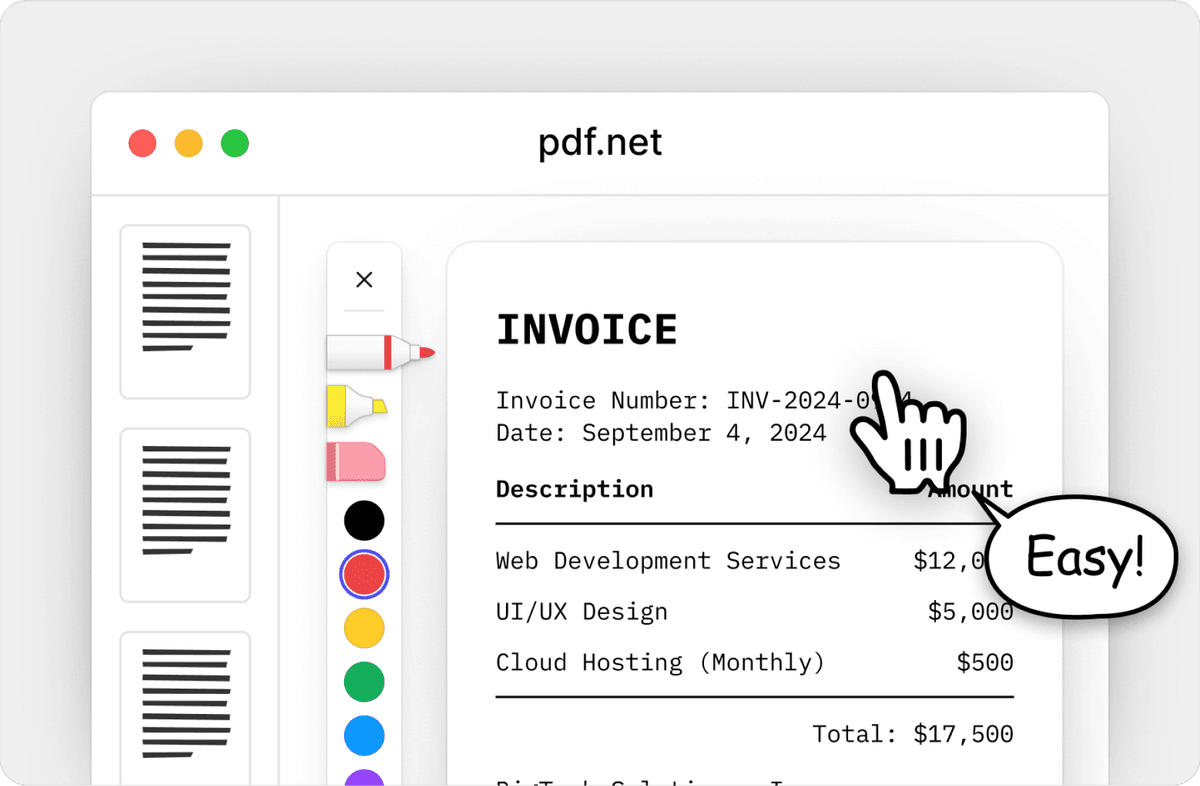
Simple and easy for daily use
Our online PDF editor features a clean, intuitive, and user-friendly interface designed for amateurs and professionals alike. You can navigate it with ease and edit your PDF file, even if you’ve never done it before.
All‑in‑one PDF editor
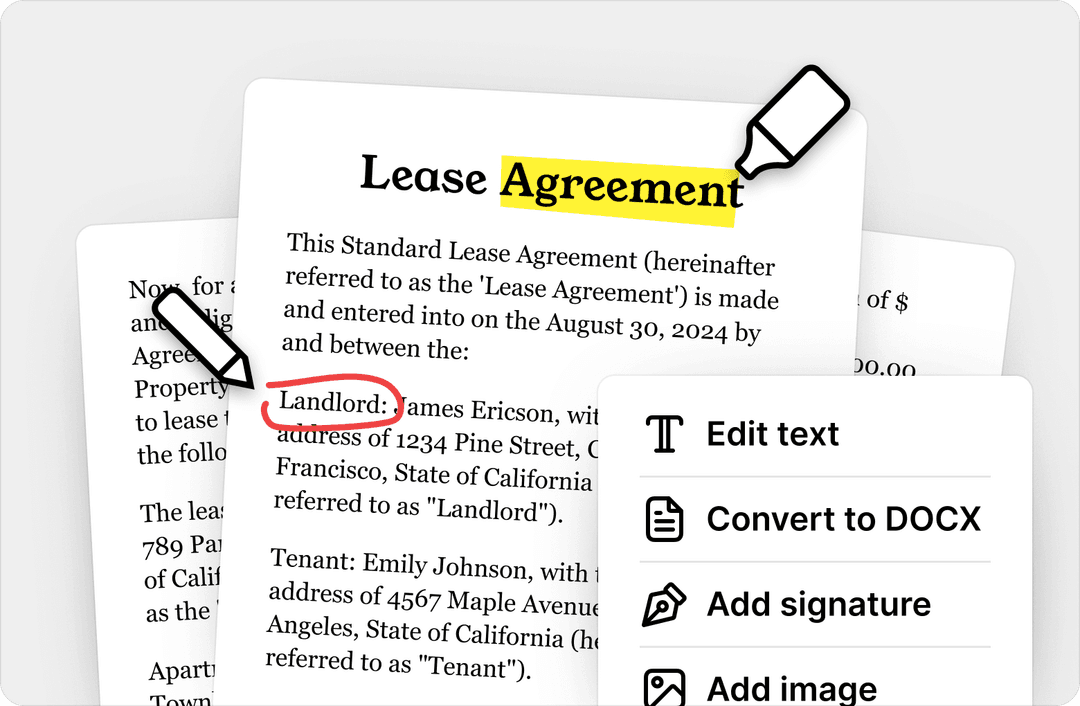
Our editor offers a robust and comprehensive set of features that allow you to customize your documents, merge them, sign them, and much more. No need to transfer your files between several applications anymore.
Keeping formatting without issues
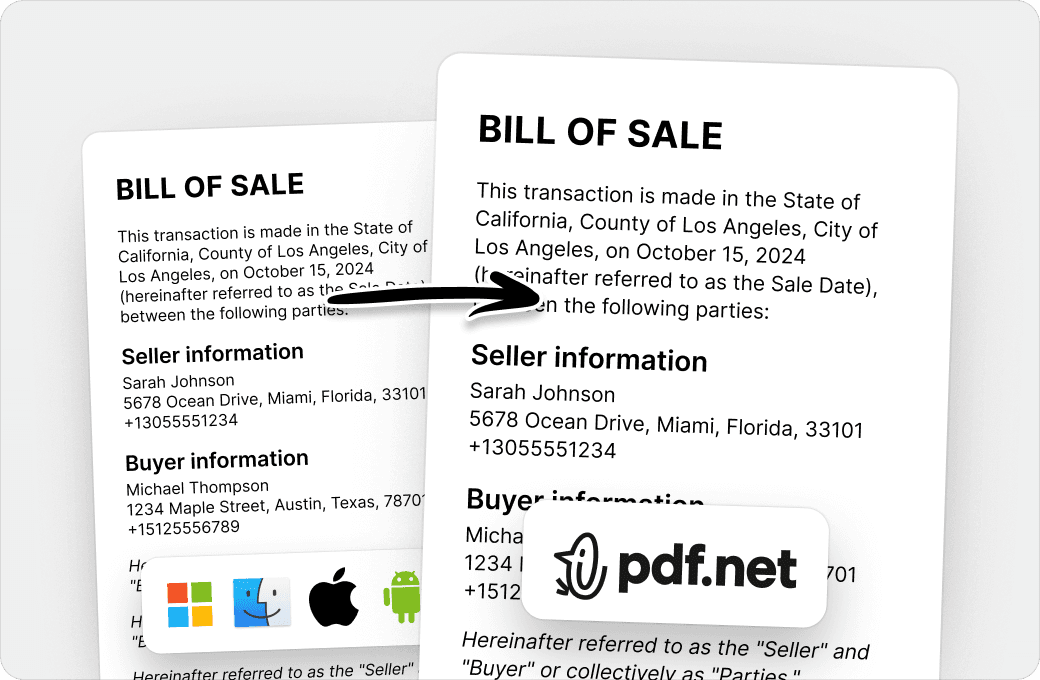
No more messy documents and inconsistent formatting across multiple systems or devices. Our online PDF editor is cross-platform compatible and maintains uniformity whether you’re using a PC, MacOS, smartphone, or tablet.
People all over the world trust pdf.net to edit their docs
I can handle contracts, invoices, and client documents without paying for expensive software or hiring someone to do it. The browser-based setup means I can work from the office, home, or even my phone when I'm meeting with clients. Processing is quick enough that I'm not wasting time, and the tools I use regularly (merging proposals, compressing files, converting documents) work consistently.


I can handle contracts, invoices, and client documents without paying for expensive software or hiring someone to do it. The browser-based setup means I can work from the office, home, or even my phone when I'm meeting with clients. Processing is quick enough that I'm not wasting time, and the tools I use regularly (merging proposals, compressing files, converting documents) work consistently.
It does the task for the available features of this platform very efficiently. Editing and organizing of pdf files can be done easy and fast on this platform.

The interface is clean, user-friendly, and makes it incredibly easy to add text, signatures, checkboxes, and other information without any hassle.

To me pdf.net is the simplest PDF editing software I have ever used. It is even easier to use than Adobe Acrobat Professional. It is so easy to add a text block and then make slight positional adjustments of the text.

Frequently asked questions
- How do I convert a PowerPoint presentation to PDF?
- Upload your PowerPoint file to our PowerPoint to PDF converter, wait for the conversion to finish, and download the PDF file. The process takes only a few moments and works directly in your browser.
- What file formats are supported?
- You can convert PowerPoint files (PPT, PPTX, and PPSX) to PDF online, as well as JPG and PNG images, keeping your original formatting. Upload any of these and your file opens in the editor.
- Can I convert a PPSX file to PDF?
- Yes. Upload the PPSX file and our converter turns it into a PDF the same way it handles PPT and PPTX. A PPSX file is a PowerPoint show: it opens straight into slideshow mode instead of the editing view, which is why it can be awkward to work with. Converting PPSX to PDF gives you a file anyone can open, scroll, and print without PowerPoint installed.
- What is a PPSX file?
- A PPSX file is a PowerPoint show. It opens directly as a running slideshow instead of in the PowerPoint editor, which is why it looks like it cannot be edited. A PPTX file contains the same kind of slides but opens in the editor. Both convert to PDF here in the same way.
- Will converting PowerPoint to PDF affect the formatting?
- No, converting PowerPoint to PDF won't affect the formatting. Our tool is designed to preserve slide layouts, images, and text, so your PDF closely matches the original presentation. Therefore, you can convert multiple PPT, PPTX, or PPSX files to PDFs without worrying about issues across files.
- Is it possible to convert PowerPoint to PDF without losing animations?
- No, it isn't possible to convert PowerPoint to PDF without losing animations. PDF files don't support PowerPoint animations, transitions, or interactive effects. These elements become static content after the conversion process.
- Do I need Microsoft PowerPoint installed?
- Microsoft PowerPoint is not required. You can use our PowerPoint to PDF online converter without installing any other software on your device.
- Is it safe to upload my PowerPoint files?
- Yes. We use secure file processing and HTTPS connections to help protect your privacy and data.
- How can I save a PowerPoint presentation as a PDF with high-quality resolution?
- To save a PowerPoint presentation as a PDF with high-quality resolution, upload your original PPT, PPTX, or PPSX file and convert it using our tool. You get a high-quality PDF, with fonts, layouts, and slides preserved.
- Can I convert PowerPoint to PDF on mobile?
- Yes, you can convert PowerPoint to PDF on mobile devices with our presentation to PDF converter. It works directly on your browser.
- Can I convert large PowerPoint files?
- Yes, you can convert large PowerPoint files with our tool. You can use it for lengthy presentations, business proposals, research reports, training materials, sales decks, and other content-heavy files. However, note that conversion times may vary depending on the file size and Internet speed.
- Can I convert only specific slides?
- No, you can't convert only specific slides because our tool converts the entire presentation. To convert specific slides, delete the unwanted slides from a copy of your file before uploading, or use PowerPoint's built-in export feature to select a slide range before converting.
- Can I convert a password-protected PowerPoint presentation to PDF?
- No, you can't convert a password-protected PowerPoint presentation to PDF without unlocking it. After you remove the password, you can upload it to our tool for conversion.
- Does converting a PowerPoint presentation to PDF make the file size smaller?
- Converting a PowerPoint presentation to PDF can sometimes make the file size smaller because PDF files often compress images and other content more efficiently. However, the final file size depends on factors such as image quality, embedded media, fonts, and the overall complexity of the presentation.
- Can I use pdf.net on a Mac, Linux, or smartphone?
- Yes, you can use pdf.net on Mac, Linux, Windows, smartphones, and tablets through a standard web browser, with no software installation required. This is especially beneficial for students, professionals, and remote workers who need to convert presentations on the go or across different devices without being tied to a specific operating system.