

Online signature generator: type, draw, or upload
not complicated - i have no mouse to write signatures so this way helps

When to use our handwritten signature generator
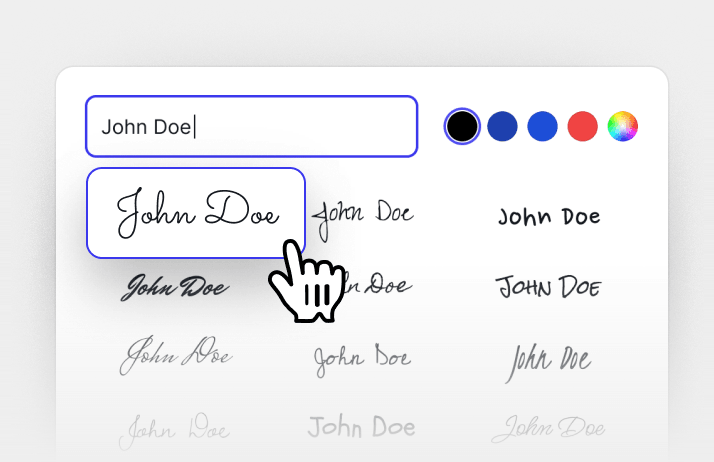
You’d rather type than draw
Skip drawing with a mouse. Our signature creator turns your name into a handwritten-style signature.You want to use your own handwriting
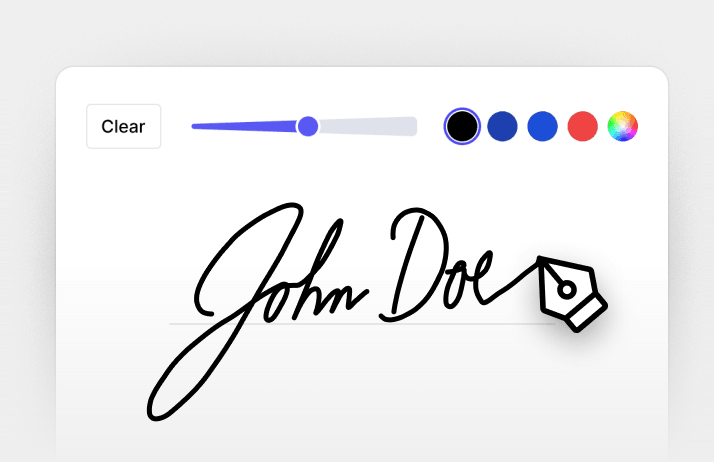
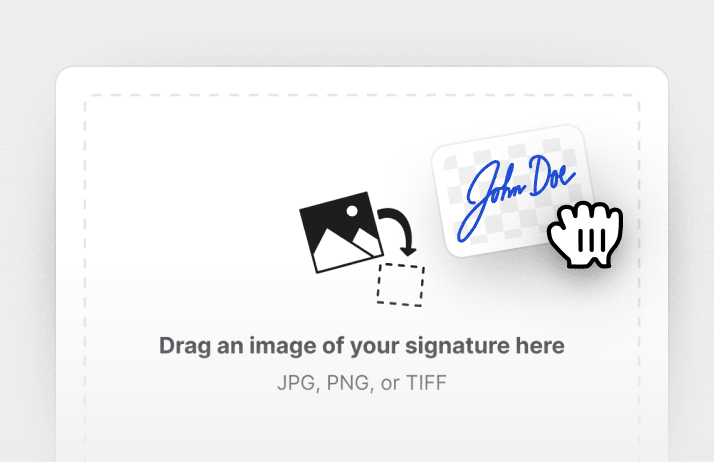
Draw your usual signature directly in the editor, or upload an image of the one you already use.You have a document to return
Create your signature and add it to a form, letter, or agreement without printing or scanning.You’ll need it again
Save your signature for future use, so you don’t have to create it again for your next document.


Three ways to create your signature
Type your name
Draw your signature
Upload your signature
All PDF tools in one place


More tools

Convert JPG to PDF

Convert PNG to PDF

Convert PDF to JPG

PDF to Excel

Convert PDF to PNG

Convert Markdown to PDF

Convert Excel to PDF

PDF to CSV

PDF to PowerPoint

Convert HEIC to PDF

Convert PowerPoint to PDF

Bank Statement to Excel

Convert EPUB to PDF

Convert PDF to Markdown

Convert PDF to Text

Compress

Compare PDF

Add Image

Split File

Rearrange Pages

Add Page Numbers

Annotate

Rotate Pages

Bates Numbering

Extract Pages

Make PDF Fillable

Unlock PDF

Protect PDF

Redact PDF

Request Signature

Chat with PDF

PDF Summarizer

Generate PDF

AI Form Filler

Share PDF
How to create a signature
 1
1Upload your document and open the signature tool
 2
2Type, draw, or upload your signature
 3
3Place your signature and download the document
Why people prefer pdf.net
Simple and easy for daily use
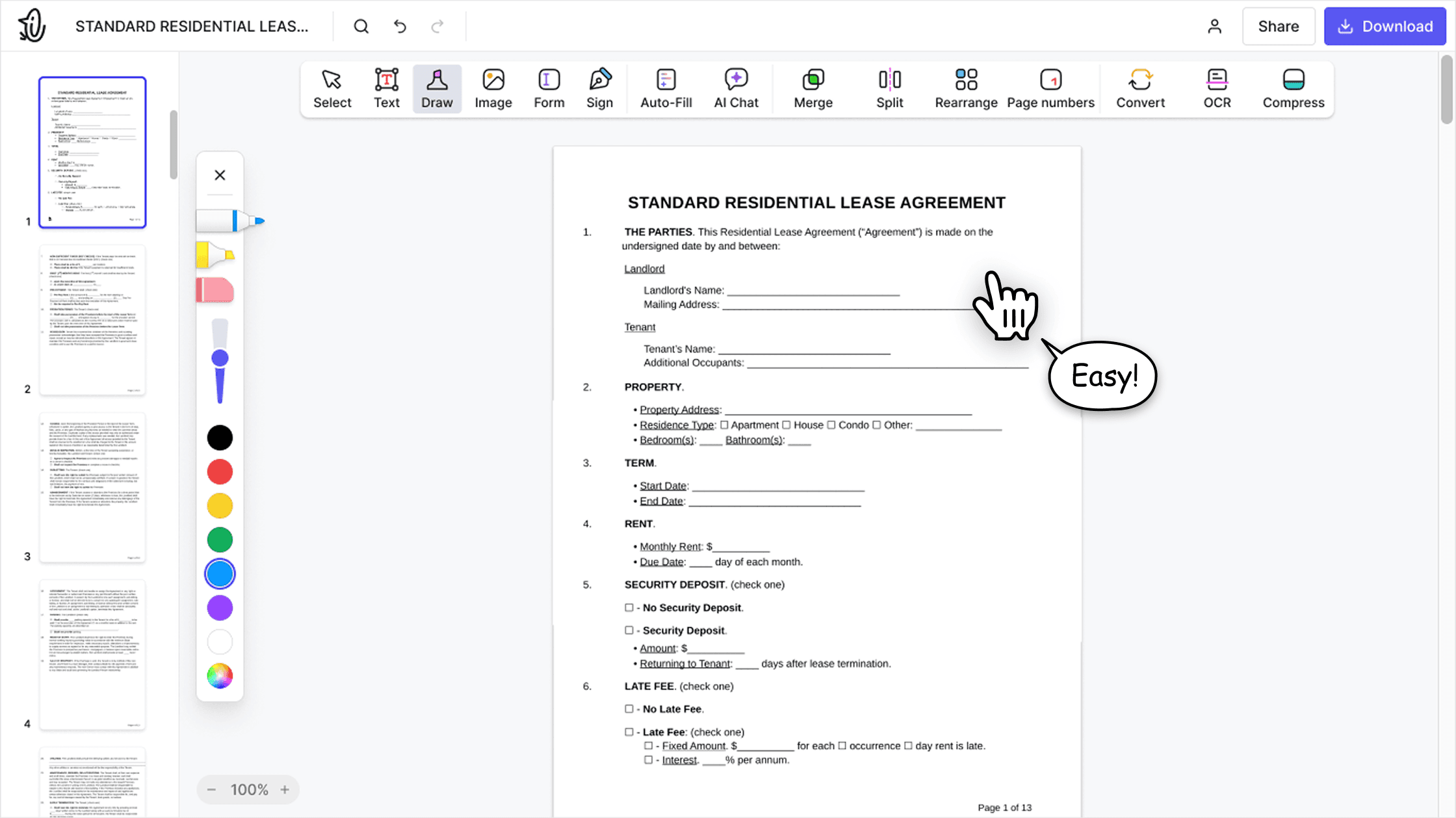
Our online PDF editor features a clean, intuitive, and user-friendly interface designed for amateurs and professionals alike. You can navigate it with ease and edit your PDF file, even if you’ve never done it before.

All‑in‑one PDF editor
Our editor offers a robust and comprehensive set of features that allow you to customize your documents, merge them, sign them, and much more. No need to transfer your files between several applications anymore.

Keeping formatting without issues
No more messy documents and inconsistent formatting across multiple systems or devices. Our online PDF editor is cross-platform compatible and maintains uniformity whether you’re using a PC, MacOS, smartphone, or tablet.
People all over the world trust pdf.net to edit their docs
Thank you guys for creating such a easy self-explanatory app. It was really easy to use and the pricing was perfect for only having a couple documents I needed signed for my taxes.


Thank you guys for creating such a easy self-explanatory app. It was really easy to use and the pricing was perfect for only having a couple documents I needed signed for my taxes.
I enjoyed it because it was simple to use and the platform was easy to maneuver.

Love it. Uploaded a PreQualification letter and allowed me to add fields, sign and share. Learning curve was easy, but I am familiar with these type products. Great job.

The interface is clean and easy to understand, and the main PDF tools are simple to use without unnecessary complexity. Uploading, editing, organizing, sharing, and signing documents feels smooth and intuitive. So I don’t need to install extra software. Highly recommended.
