

Convert HEIC to PDF that opens on any device
The actions I required, cutting and merging, couldn't have been easier.

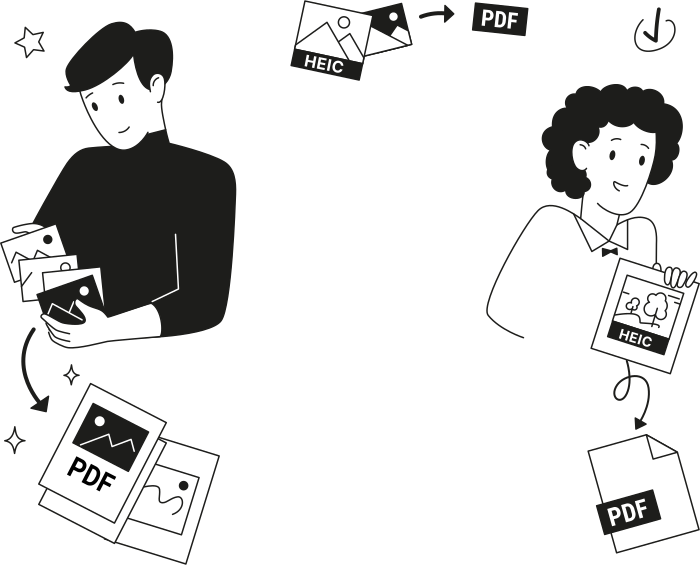
When to convert HEIC to PDF
Sharing photos anyone can open
Scanning a document with your iPhone
Combining several photos into one PDF
Converting photos on the go

All PDF tools in one place


More tools

Convert PDF to Word

Convert Word to PDF

Convert PDF to JPG

PDF to Excel

Convert PDF to PNG

Convert Markdown to PDF

Convert Excel to PDF

PDF to CSV

PDF to PowerPoint

Convert PowerPoint to PDF

Bank Statement to Excel

Convert EPUB to PDF

Convert PDF to Markdown

Convert PDF to Text

Add Text

Change Text

Compare PDF

Split File

Rearrange Pages

Annotate

Rotate Pages

Bates Numbering

Extract Pages

Make PDF Fillable

Add Watermark to PDF

Unlock PDF

Protect PDF

Redact PDF

Sign Document

Remove Signature Background

Signature Generator

Chat with PDF

PDF Summarizer

Generate PDF

AI Form Filler

Share PDF
How to convert HEIC to PDF
 1
1Upload your HEIC photo
 2
2Let the HEIC to PDF conversion finish
 3
3Download your PDF file
Why people prefer pdf.net
Simple and easy for daily use
Our online PDF editor features a clean, intuitive, and user-friendly interface designed for amateurs and professionals alike. You can navigate it with ease and edit your PDF file, even if you’ve never done it before.
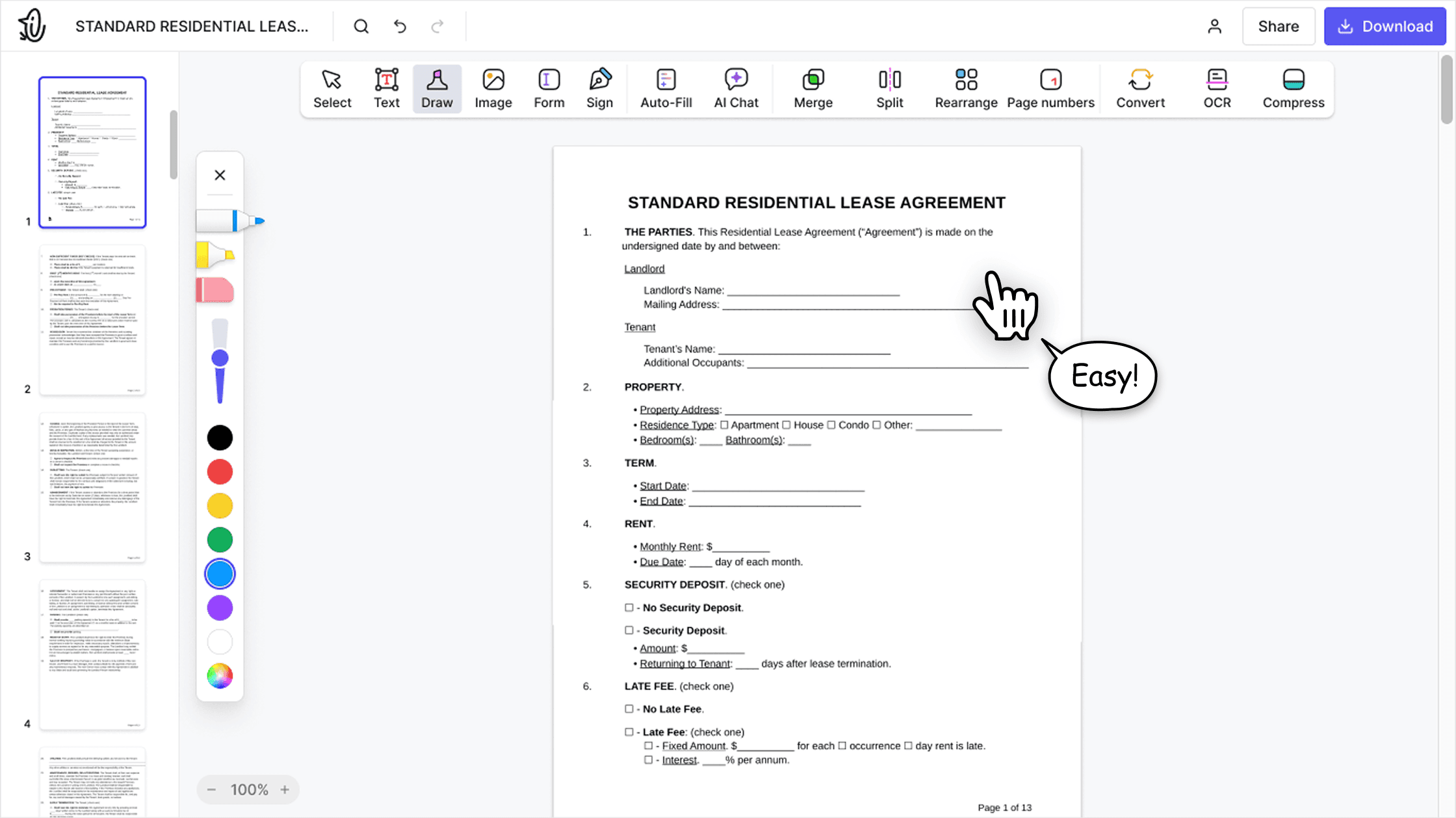

All‑in‑one PDF editor
Our editor offers a robust and comprehensive set of features that allow you to customize your documents, merge them, sign them, and much more. No need to transfer your files between several applications anymore.

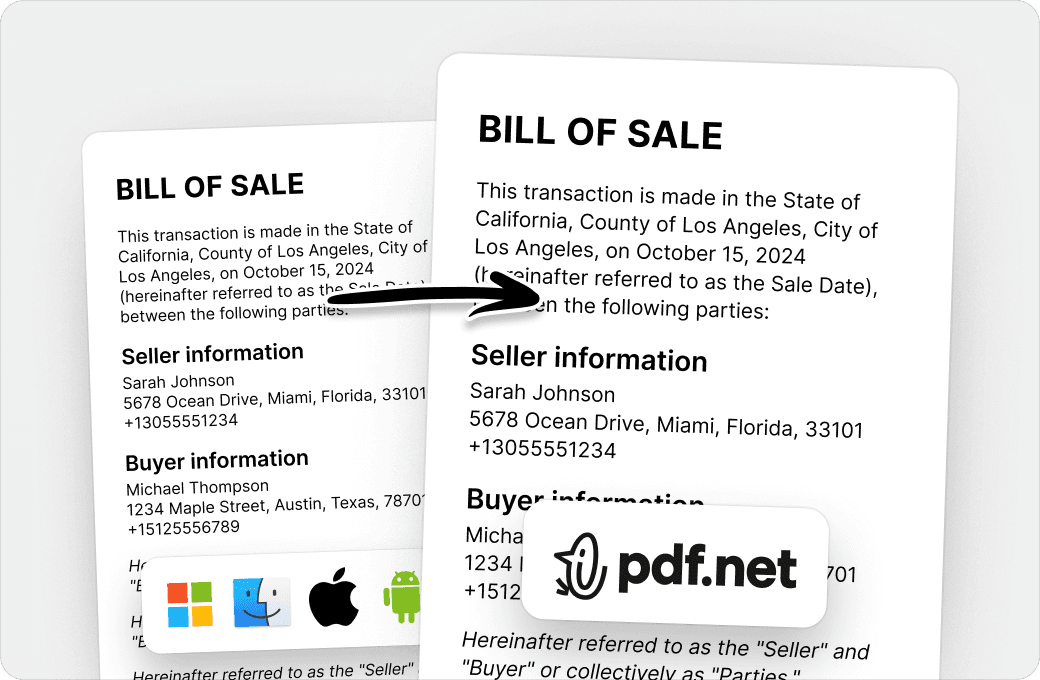
Keeping formatting without issues
No more messy documents and inconsistent formatting across multiple systems or devices. Our online PDF editor is cross-platform compatible and maintains uniformity whether you’re using a PC, MacOS, smartphone, or tablet.
People all over the world trust pdf.net to edit their docs
The interface is clean and easy to understand, and the main PDF tools are simple to use without unnecessary complexity. Uploading, editing, organizing, sharing, and signing documents feels smooth and intuitive. So I don’t need to install extra software. Highly recommended.


The interface is clean and easy to understand, and the main PDF tools are simple to use without unnecessary complexity. Uploading, editing, organizing, sharing, and signing documents feels smooth and intuitive. So I don’t need to install extra software. Highly recommended.
The fact that it is online and can be accessed via any device is a real plus. Also it has all the tools I need to manage pdfs

I can handle contracts, invoices, and client documents without paying for expensive software or hiring someone to do it. The browser-based setup means I can work from the office, home, or even my phone when I'm meeting with clients. Processing is quick enough that I'm not wasting time, and the tools I use regularly (merging proposals, compressing files, converting documents) work consistently.

It does the task for the available features of this platform very efficiently. Editing and organizing of pdf files can be done easy and fast on this platform.

Frequently asked questions
- Will converting HEIC to PDF affect my original photo?
- No, converting HEIC to PDF won't affect your original photo. Our HEIC to PDF converter creates a brand new PDF file and leaves your source HEIC image untouched on your device. This means you can export HEIC as PDF as many times as you need without any risk to the original.
- What file formats are supported?
- Our online converter supports HEIC and HEIF photo conversion to PDF. Upload one or several images and download a single PDF.
- Can I convert HEIF to PDF?
- Yes, pdf.net converts HEIF photos into PDF just like HEIC, since they share the same format family. Upload your HEIF file and download a shareable, print-ready PDF.
- Can I convert multiple HEIC photos into one PDF at once?
- Yes, you can convert multiple HEIC photos into a single PDF in one session. Just upload a batch of images and arrange them in your preferred order before merging. This saves time compared to converting each photo one by one.
- Does your HEIC to PDF converter work on mobile devices?
- Yes, our HEIC to PDF converter works on any mobile device, including iPhone and Android. Since it runs entirely online, there's no app to download, so you can convert your images straight from your phone's photo gallery.
- Can I convert HEIC to PDF without losing quality?
- Yes, you can convert HEIC to PDF without losing quality. Our online converter processes each file at full quality by default, so text, colors, and details remain sharp in the final PDF. Our tool doesn't strip image data during the conversion process.
- Can I convert HEIC to PDF on Mac?
- Yes, you can convert HEIC to PDF on Mac with pdf.net. Since iPhone photos often save as HEIC by default, you get a fast option that skips Apple's built-in Preview workarounds and delivers a shareable PDF in one step.
- Do I need to install anything to use this tool?
- No, our HEIC to PDF maker runs entirely in your browser. There's nothing to download or install on your computer or phone.
- Is it safe to upload my files?
- Yes, it is safe to upload your files to our platform. All data transfers on pdf.net are protected with HTTPS/TLS encryption, while files are secured with AES-256. We run on Google Cloud infrastructure with strict access controls, so only authorized personnel can access systems when required.
- Is this tool free?
- No. HEIC to PDF conversion is part of the subscription. After you upload a HEIC photo, it opens as a PDF in the editor so you can check how it looks on the page. Downloading that PDF requires a subscription.