

Convert EPUB to PDF online
Our EPUB to PDF converter turns your eBook into a print-ready PDF with readable text and supported images. It opens on any device, with nothing to install.
or
Supports EPUB, DOC, DOCX, XLS, XLSX, JPG, PNG, HEIC, HEIF
Files stay private
Helpful to create different types of files using the ones you already have just convert them!

momscareTrustpilot review
When to use our EPUB to PDF converter
Sharing an eBook with someone
Send a PDF that opens on any device, even for readers without an e-reader app.
Printing chapters or pages
Convert your eBook into a PDF with fixed pages, ready to print.
Archiving a book for the long term
A quick EPUB to PDF conversion keeps your book readable anywhere for years.
Submitting academic work
Use our EPUB converter when a school or journal asks for a PDF, not an EPUB file.
All PDF tools in one place
No installs, no app-switching — works on any device


More tools

Convert JPG to PDF
Merge JPEG photos into a single PDF file without losing quality.

Convert PNG to PDF
Combine multiple PNG images into one PDF. Resolution maintained.

Convert PDF to JPG
Turn PDF pages into separate JPEG images. Ready to share or upload.

PDF to Excel
Turn PDF tables into editable spreadsheets ready to use in Excel or Google Sheets.

Convert PDF to PNG
Split PDF pages into separate PNGs. Full resolution preserved.

Convert Markdown to PDF
Paste or upload your .md file and get a formatted PDF in seconds. Tables and code blocks included.

Convert Excel to PDF
Turn XLS & XLSX into a clean, shareable PDF. Formatting intact.

PDF to CSV
Extract table data from PDFs into clean CSV files ready for spreadsheets and data analysis.

PDF to PowerPoint
Get editable PPT & PPTX slides. Keep fonts & layout.

Convert HEIC to PDF
Turn iPhone HEIC photos into a shareable PDF. Opens on any device.

Convert PowerPoint to PDF
Turn PPT & PPTX into a share-ready PDF. Opens on any device.

Bank Statement to Excel
Convert PDF bank statements to editable Excel or CSV files for accounting and analysis.

Convert PDF to Markdown
Turn a PDF into clean MD text, ready for your notes, docs, or repo.

Convert PDF to Text
Get the text from your PDF as a .txt file. Copy it into emails, documents, or notes.

Compare PDF
Spot every change between two PDFs. View side by side or overlay.

Add Image
Add logos, photos & graphics to PDFs. Adjust size and position.

Split File
Split PDF into multiple files. Choose any page to divide.

Rearrange Pages
Drag & drop to reorganize. Delete, duplicate, rotate pages.

Add Page Numbers
Number pages automatically. Choose position, format, margins.

Annotate
Mark up PDFs: draw, highlight, erase. Multiple colors & line widths.

Rotate Pages
Adjust PDF orientation easily. Choose single, multiple, or all pages.

Bates Numbering
Add Bates numbers automatically. Choose prefix, suffix, and numbering style.

Extract Pages
Select the pages you need and save them as a new PDF.

Make PDF Fillable
Add text fields, checkboxes & signatures. Works on flat and scanned forms.

Unlock PDF
Remove passwords and restrictions with just a few clicks.

Protect PDF
Secure PDF from unauthorized use with a password.

Redact PDF
Black out sensitive text or whole pages before you share a PDF.

Request Signature
Send PDFs to anyone for signing. Mark where to sign, invite by email. Get signed document back.

Remove Signature Background
Make your signature transparent to sign PDFs without a white box.

Signature Generator
Type, draw, or upload your signature. Save and reuse it across documents.

Chat with PDF
Ask AI any questions about your PDF.

PDF Summarizer
Summarize PDFs into key points with AI.

Generate PDF
Describe a doc you need and get a formatted PDF.

AI Form Filler
Upload a form & a doc you have. AI fills in the fields.

Share PDF
Upload and share PDF via secure link or email in seconds. Control who can view or edit.
How to convert EPUB to PDF
 1
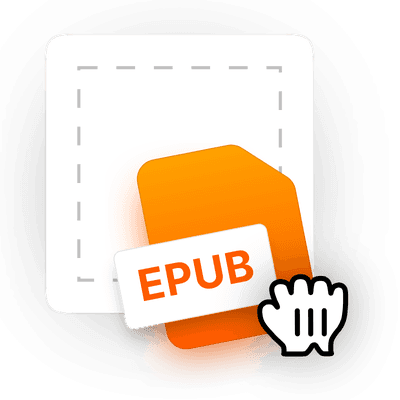
1Upload your EPUB file
 2
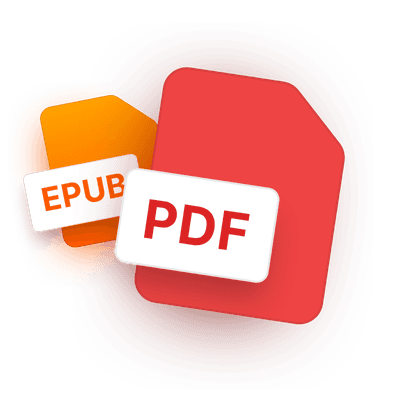
2Let the tool convert EPUB to PDF
 3
3Download your PDF eBook
Ready when you are.
Why people prefer pdf.net
Simple and easy for daily use
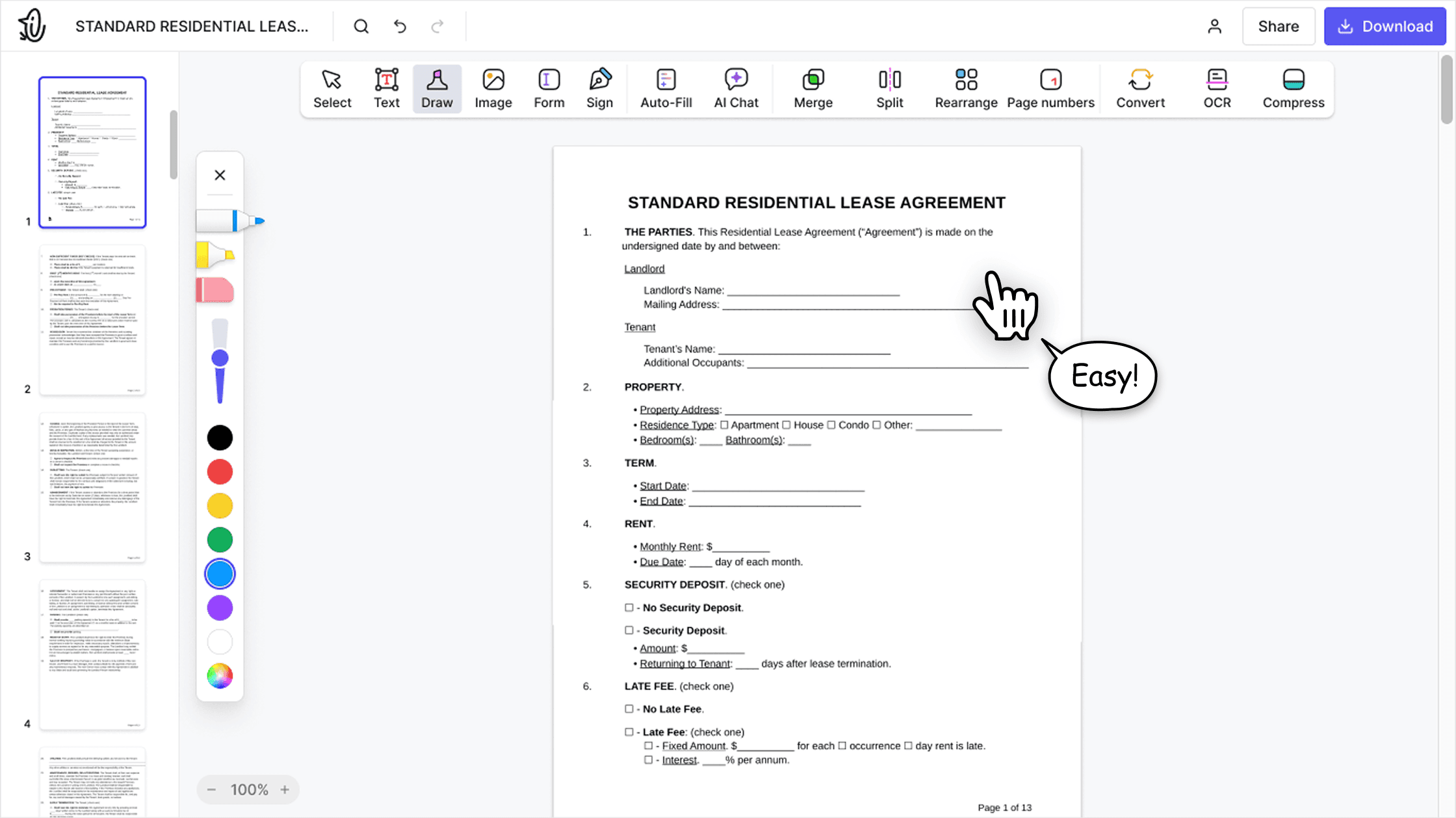
Our online PDF editor features a clean, intuitive, and user-friendly interface designed for amateurs and professionals alike. You can navigate it with ease and edit your PDF file, even if you’ve never done it before.

All‑in‑one PDF editor
Our editor offers a robust and comprehensive set of features that allow you to customize your documents, merge them, sign them, and much more. No need to transfer your files between several applications anymore.

Keeping formatting without issues
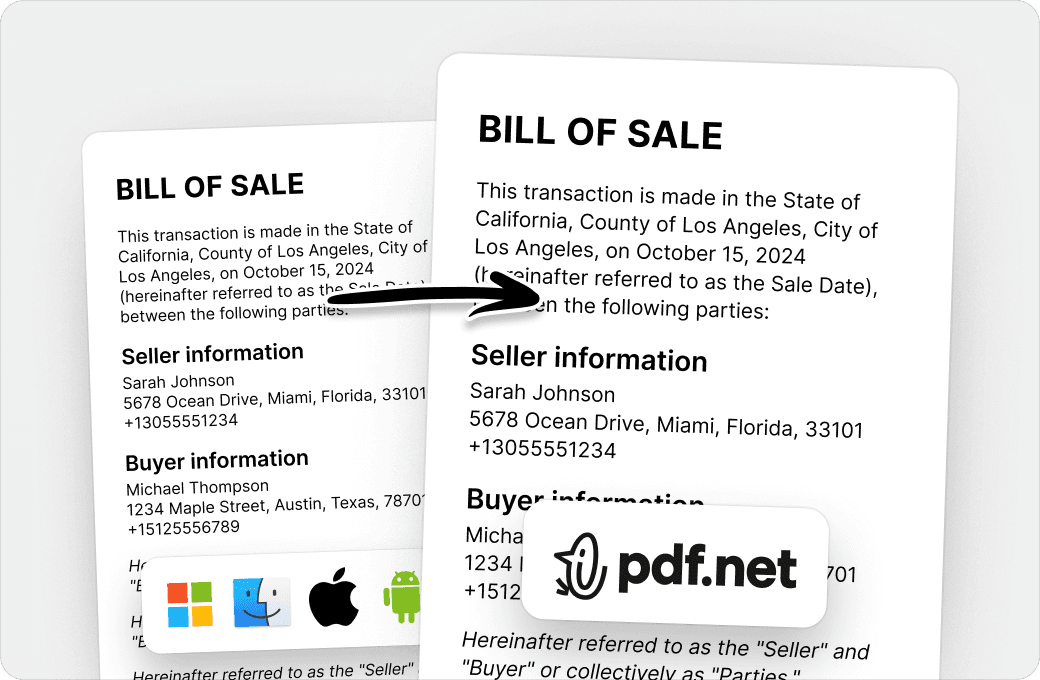
No more messy documents and inconsistent formatting across multiple systems or devices. Our online PDF editor is cross-platform compatible and maintains uniformity whether you’re using a PC, MacOS, smartphone, or tablet.
People all over the world trust pdf.net to edit their docs
Loved it! I was able to do everything that needed to be done


Sasha FierceTrustpilot review
Loved it! I was able to do everything that needed to be done
Sasha FierceTrustpilot review
This made everything so much easier and better! Thank you!

Leo ContiTrustpilot review
Simple to follow, and performs as the services states it will. Very helpful for my business.

tapetha spencerTrustpilot review
Saves me time I'd rather spend actually running my business instead of fighting with documents.

Anna Y.G2 review
Frequently asked questions
- How do I convert an EPUB file to PDF?
- To convert an EPUB file to PDF, upload it to pdf.net's EPUB to PDF converter, and wait for the conversion to finish. After that, simply download your PDF eBook; there are no extra steps needed.
- What file formats are supported?
- Upload an EPUB and pdf.net converts it into a clean, shareable PDF eBook. You can also upload DOC, DOCX, XLS, XLSX, JPG, PNG, HEIC, and HEIF files, and your file opens in the editor.
- Will converting EPUB to PDF affect the formatting?
- Our converter reflows your EPUB text and supported images into a fixed, print-ready PDF. The layout and typography may differ from the original eBook.
- Can I convert EPUB to PDF without installing software?
- Yes, you can convert EPUB to PDF without installing anything. pdf.net runs entirely in your browser, so there's nothing to download and no account required to get started.
- Is it safe to upload my EPUB files?
- Uploading your EPUB files to pdf.net is safe and secure. Our online PDF editor uses secure HTTPS encryption and advanced safety protocols to keep your documents private and protected.
- Can I convert EPUB to PDF on mobile?
- Yes, you can convert EPUB to PDF on mobile using any smartphone or tablet browser. Our online EPUB converter works the same way on mobile as it does on desktop.
- Can I convert multiple EPUB files to PDF?
- Batch conversion is not available yet.
- What happens to images in an EPUB when I convert it to PDF?
- JPEG, PNG, and SVG images are included in the PDF and resized to fit its pages. Their placement may change as the book is reflowed. Unsupported image formats are skipped.